

Introduction
I found it annoying, that over time, my macOS collected more and more stale entries within the list of applications that are allowed to run in the background.
This seems to be caused e.g. by regular application updates, yes I am looking at you Docker Desktop...
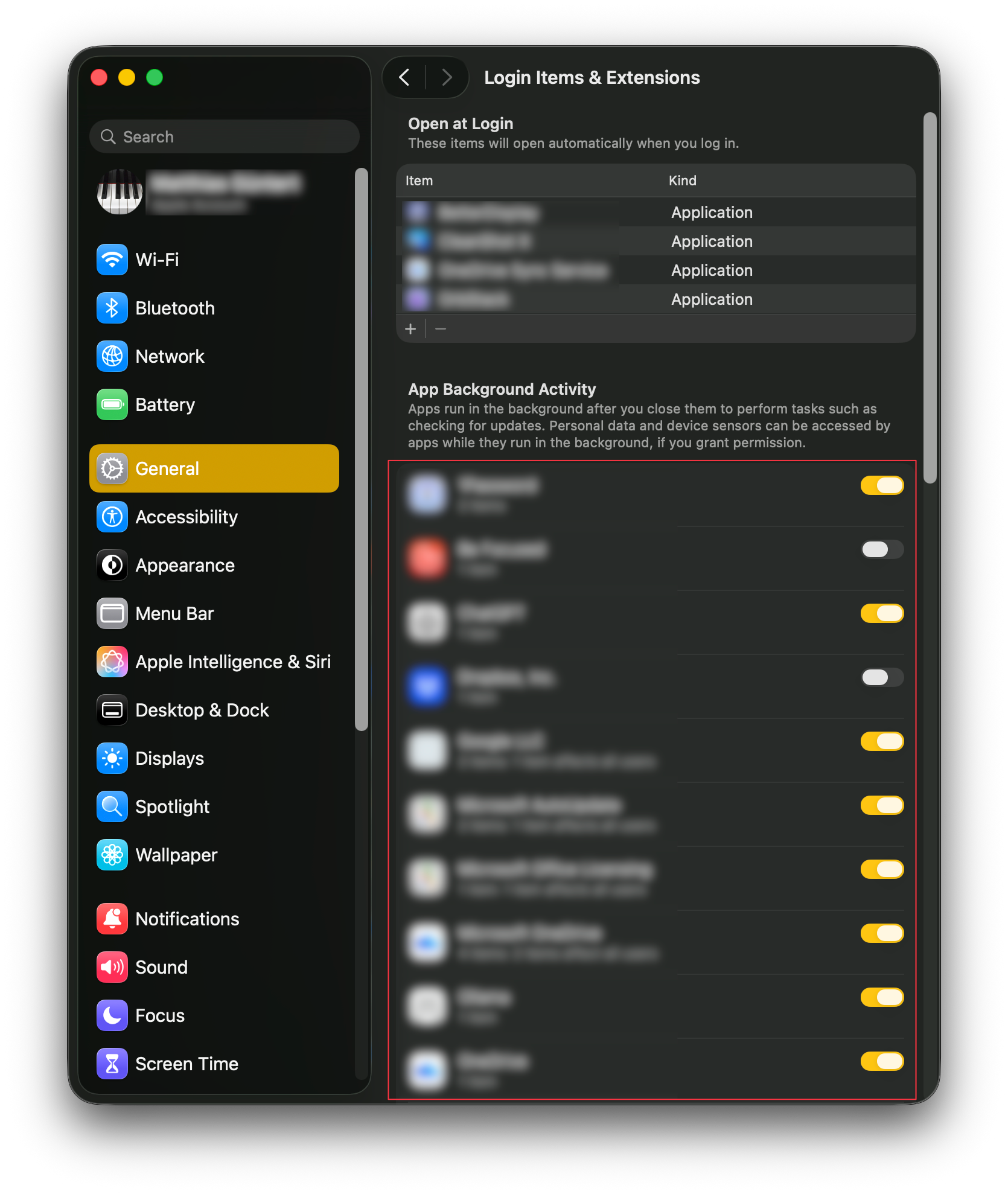
There is no clean list or database holding this information, instead Apple spreads this across multiple folders and builds the view from above dynamically using...
~/Library/LaunchAgents(user)/Library/LaunchDaemons(system-wide)/Library/LaunchAgents(system-wide)
... and couple more locations.
The solution
I found it best to use sfltool which is a tool for testing and debugging SharedFiledList.
sudo sfltool dumpbtm | lessThen walk through the list and delete the offenders... 💣 🧨
Further reading
Manage login items and background tasks on Mac
For a Mac with macOS 13, a new structure in the app bundle simplifies the installation of login items and associated property lists (by updating helper executables from earlier versions of macOS).

